
Introduction
While working on product creation in Dynamics 365 CE, a user from a different region (non base language) encountered this error:
“Rows with localizable attributes can only be created when the user interface (UI) language for the current user is set to the organization’s base language.”
Details
To check this error I tried to follow same steps, but when I tried to create a product or update the product name, I did not get any error. The user who was getting the error was a non-admin user. While troubleshooting further, I found a Microsoft KB article: https://learn.microsoft.com/en-us/dynamics365/sales/developer/localize-product-property-values?utm_source=chatgpt.com#create-or-update-records-with-localizable-attributes.
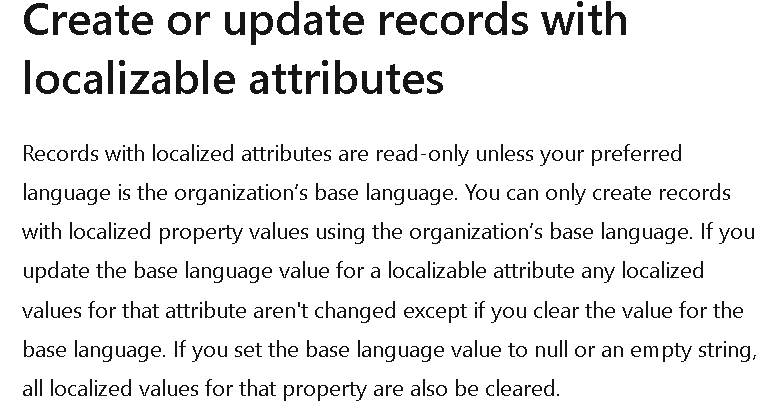
Initially, I thought of creating a custom attribute for the product name and removing the out-of-the-box Name field from the product form. I planned to use my custom field and write a plugin to update the out-of-the-box Name field by impersonating an admin user.
So, when a user with a non-base language entered the product name, the plugin would read that value and update the out-of-the-box Name field. However, this approach did not work, and I still got the same error.
Next, I tried the same approach using Power Automate, thinking that the plugin might be affected by localization context. With Power Automate, I did not get the error, and the issue was resolved.
Summary
We discussed how a common product creation error in D365 CE caused by UI language mismatch and how we solved it by using Power Automate.
Hope it will help someone!!
Keep learning and Keep Sharing!!